
This is the seventh post in my ABCs of Writing series: Post G
First off, I’m sorry for the delay in this post! I had intended to publish it weeks ago, but over the past month, I started a new job and moved into a new house. The blog (and writing, unfortunately) went on the back-burner. Over the next few months while I’m figuring out how to write while working this new job, my posts might be a bit more sporadic than I’d like, but I’m promising you (and me!) that I will not let this blog fall by the wayside.
With that out of the way, let’s talk Glossaries.
This post is going to be a bit different from the ones I’ve written recently, which may have gone a bit down the rabbit hole of introspection. The combination of a global pandemic and winter in rainy Seattle tends to make me a little maudlin. To take a break from all that self-assessment, I’m going to step into the practical realm and talk about writing tools I use/have used. I’m not referring to language tools like figurative language, allusions, or foreshadowing, but literal tools, both the software and the physical. I think it’s fascinating to hear how people actually go about writing. Maybe you will too!
Physical Tools
Laptop
Of all the tools I use, this one is my least favorite, although most often used. I’m currently using an older Asus Ultrabook. It has become very slow over the years and struggles to run more than a single program at a time. I’ll be surprised if it makes it to the end of the year. The one good thing I have to say about my laptop is that it has a wonderfully long battery life. This was very helpful back in the days when I would settle in for a few hours of writing at a coffee shop and realize I forgot my charger. I’m in the market for a new laptop because I believe this one will die very soon. I’d love to hear recommendations in the comments!
Typewriter
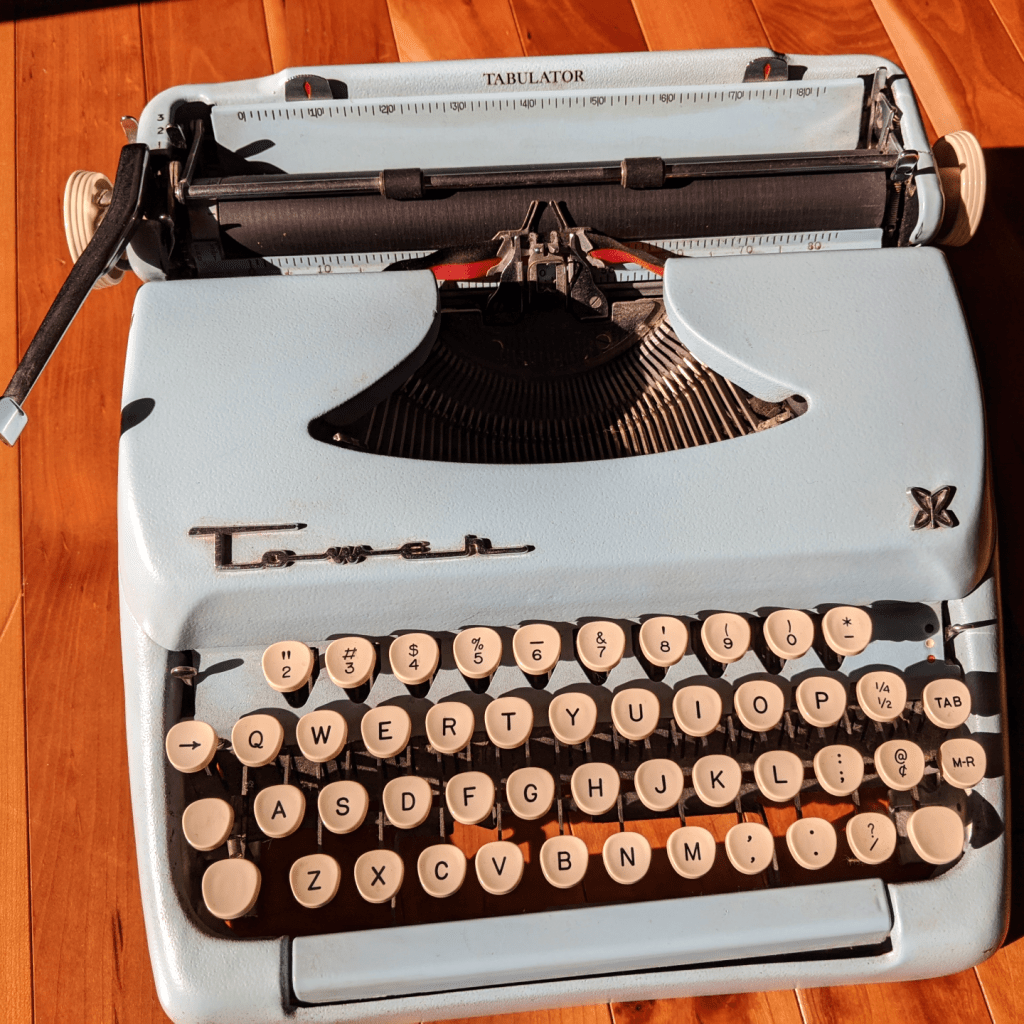
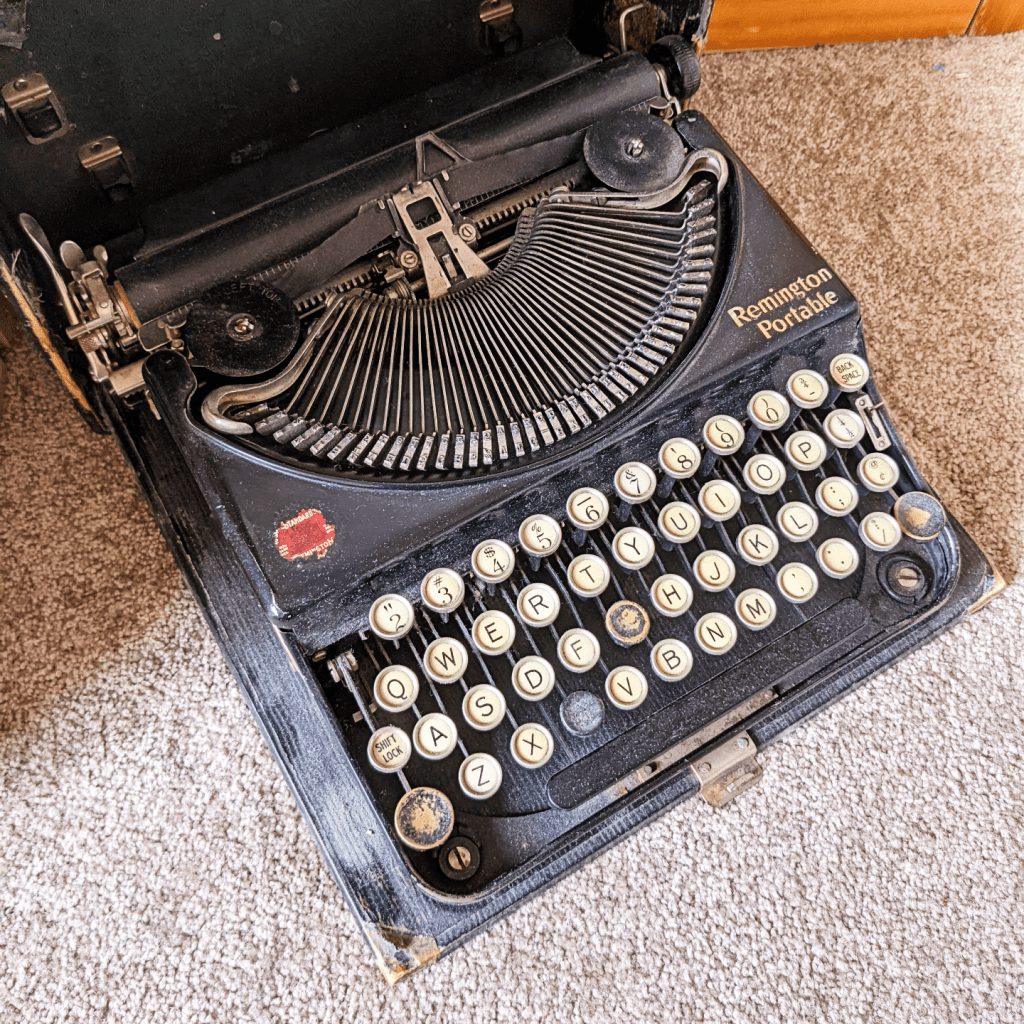
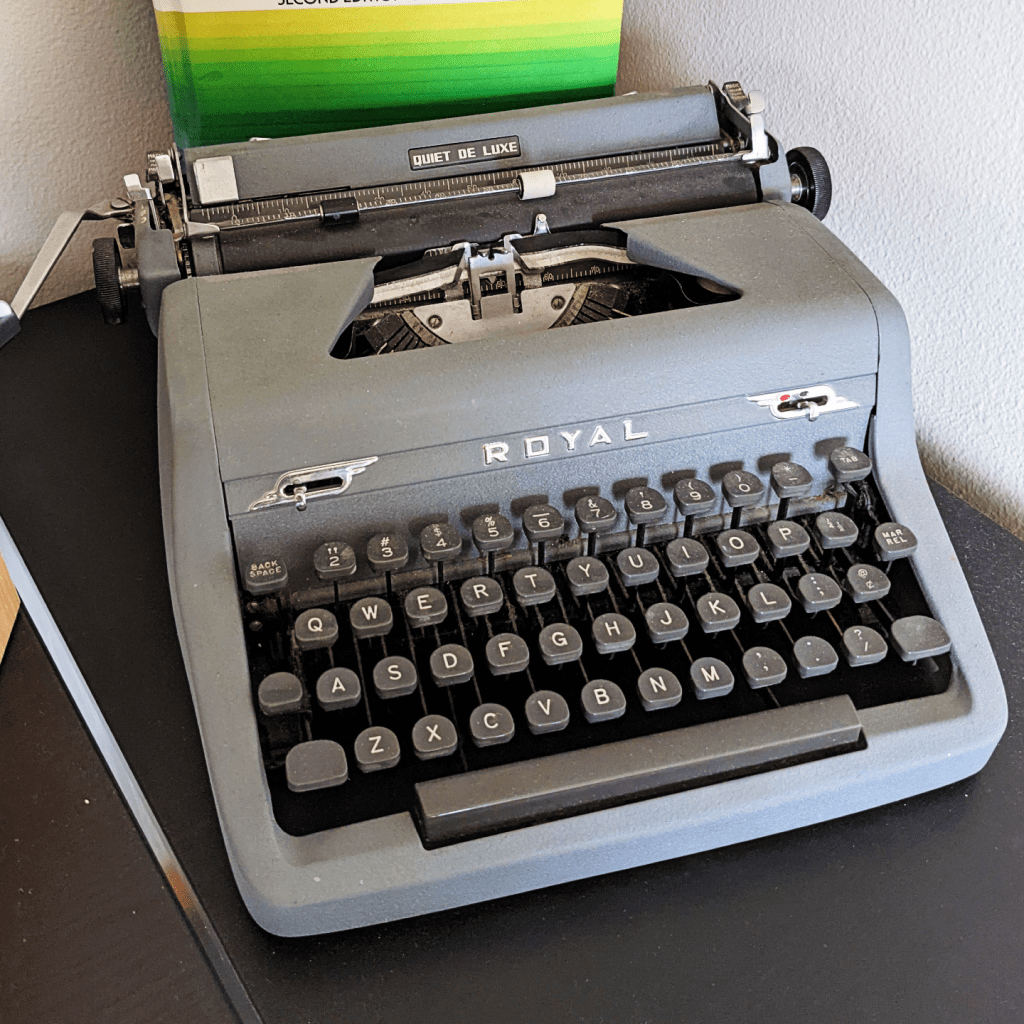
I have three typewriters, two that I inherited from my grandma and one my husband bought for me. I actually wrote a big chunk of the first draft of the first book in my fantasy trilogy on the typewriter my husband gave me. Writing this way not only built up some finger muscles, but it also forced me to get the words out without constantly editing (no backspace!). Since that first book, I’ve reverted back to using my laptop, but to develop a habit of writing that first draft without editing, I would highly suggest using a typewriter. If you don’t have one, you can make it impossible to edit by turning your font white. It looks a little goofy, like you’re not actually doing anything,but it’s very effective.
Pen and Notebook
Sometimes, I need to slow down, take a break from screens and write with a pen and paper. At these times, my go-to notebook is a large leather journal and a Sharpie pen. I particularly like the pen because it has replaceable ink cartridges. This way, I can get as attached to my pen as I want (as long as I don’t lose it).
Software
OneNote 2016
If you’ve read this far, congratulations! You have come to the reason why I named this post Glossaries. While writing my fantasy trilogy, I created a glossary to keep terms and characters straight. As I added more information to this glossary, it grew into a mini encyclopedia. To house all this information, I use Microsoft OneNote 2016. (Bonus: it’s free!)
I adore OneNote, but just the 2016 version, not the Windows 10 version. (Don’t get me started on the differences between the two; I could go on forever.) I like how I can create separate sections to group together different pages, and how I can link key words that tie these pages together. Super helpful when trying to keep track of my 100+ characters and 50+ settings!
Aeon Timeline
Another writing tool I discovered came as a byproduct of my trilogy’s complexity. I wrote the first book from the point of view of three different characters. One of the story lines started three years before the other two, then jumped forward in time once the characters met. The second book in the trilogy adds four more points of view, and some chapters jump fifteen years back in time. I decided to make my life a bit easier in book three and only added a single point of view. In the end, my trilogy juggles eight character points of view and events that span two decades. It’s a nightmare trying to keep everything straight.
Enter Aeon Timeline. It’s (as you would guess) a timeline software that allows you to record various plot points, story arcs, characters, and locations. There’s a whole host of other features I don’t currently use, but I would highly recommend checking it out if you are having trouble keeping your plot lines and story arcs straight! This software isn’t free like OneNote, but it’s fairly inexpensive and (in my humble opinion) a very good investment.
Query Tracker
This isn’t a writing tool, but a querying tool. Query Tracker contains a huge database of literary agents and publishers writers can use to track the queries they’ve sent. You can record dates of when you sent your submission, and responses you have received from agents. After using the free version of Query Tracker for a while, I decided to pay the minimal fee for the Premium version, which gives access to some helpful reports (particularly, Agents with Similar Tastes, which helps me hone in on agents who might be most interested in my work based on all of their past responses to similar queries).
Inkarnte
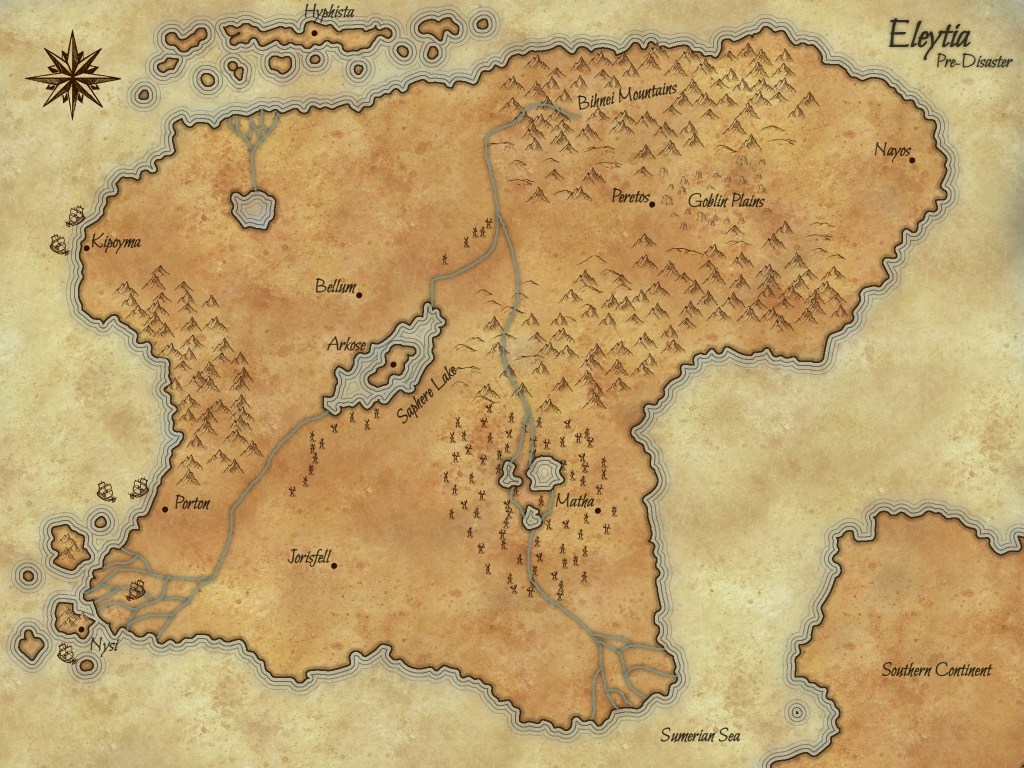
Inkarnate is a map building software. If you’re not writing fantasy or scifi, this might not be helpful, but I’ve found it invaluable in bringing to life the fantasy world in my head. Inkarnate is used mainly by the Dungeons & Dragons crowd, but plenty of authors will find it very useful. Not only do I like being able to finally see my world on paper, but it’s also nice to take a break from the work of writing and revising to sometimes play around with making fun maps. Inkarnate offers a free version, as well as a paid version if, like me, you just can’t help yourself and want to make all the maps.
That’s all the tool tips I have for you right now! I’d love to hear in the comments which tools you have found useful in your writing journeys. Coming your way in a few weeks is the next installment of my ABC series, Habits: Honing the Craft.



 THE QUILL & THE INKPOT